Simmer Down app icon

Recipes & Shopping

Simmer Down

Paste a recipe URL. Get clean ingredients and steps — no life story, no fifteen ads, no "jump to recipe" button. Shared with your family across iPhone, iPad, and Mac.

iOS iPadOS macOS
Coming soon to the App Store

Why You'll Like It

Just the recipe.

Modern recipe pages are 80% noise. Simmer Down pulls out the part that matters and puts it on a clean, readable page that's easy to follow while you cook.

🥣

One-tap import

Paste any recipe URL. We pull the title, ingredients, and steps and drop the rest — pop-ups, story, ads, and all.

🛒

Built-in shopping list

Send any recipe's ingredients to your shopping list in one tap. Check things off as you shop. It syncs to everyone in the family.

👨‍👩‍👧

Family sync

Share recipes and your shopping list with everyone in the household. Anonymous accounts — no email, no profile required.

🔥

Cooking Mode

Keeps the screen on while you're following a recipe. Your phone won't auto-lock mid-stir.
How It Works

From clutter to clean in three taps.

STEP 1

Paste the URL

Find a recipe you like online and copy its URL — anywhere from Serious Eats to a food blog with seventeen pop-ups.

STEP 2

Tap Import

Simmer Down reads the page, extracts the recipe, and saves a clean version in your library. No login, no signup.

STEP 3

Cook

Open the recipe to a clean ingredients-and-steps view. Send the ingredients to your shopping list with one tap.

A Glance

Designed to get out of your way.

Three places you'll spend most of your time: browsing your recipe library, following a recipe while you cook, and checking the shared shopping list at the store.

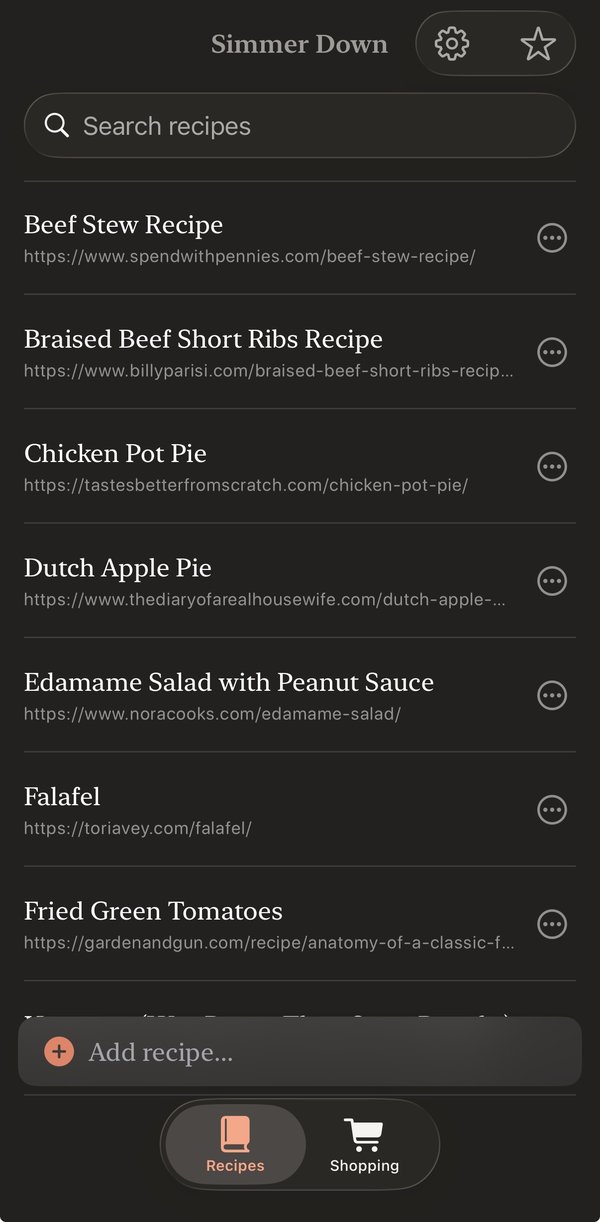
Simmer Down recipe library

Your library

Alphabetical, searchable, with favorites pinned to the top.

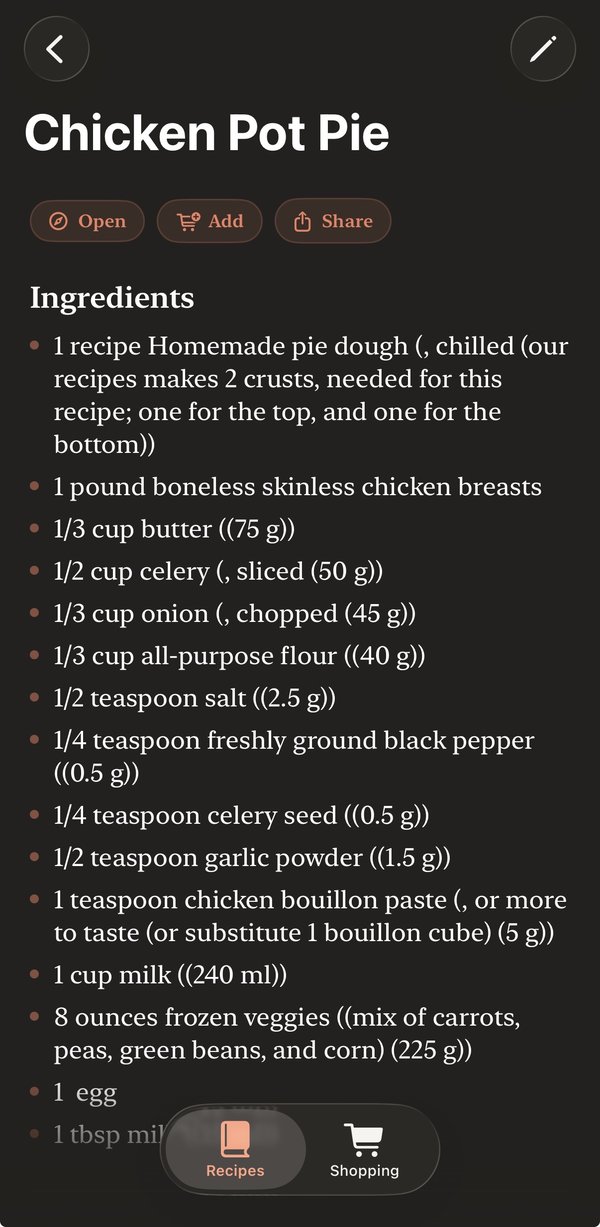
Simmer Down recipe detail view

The recipe

Just ingredients and steps, in clean serif type. No clutter.

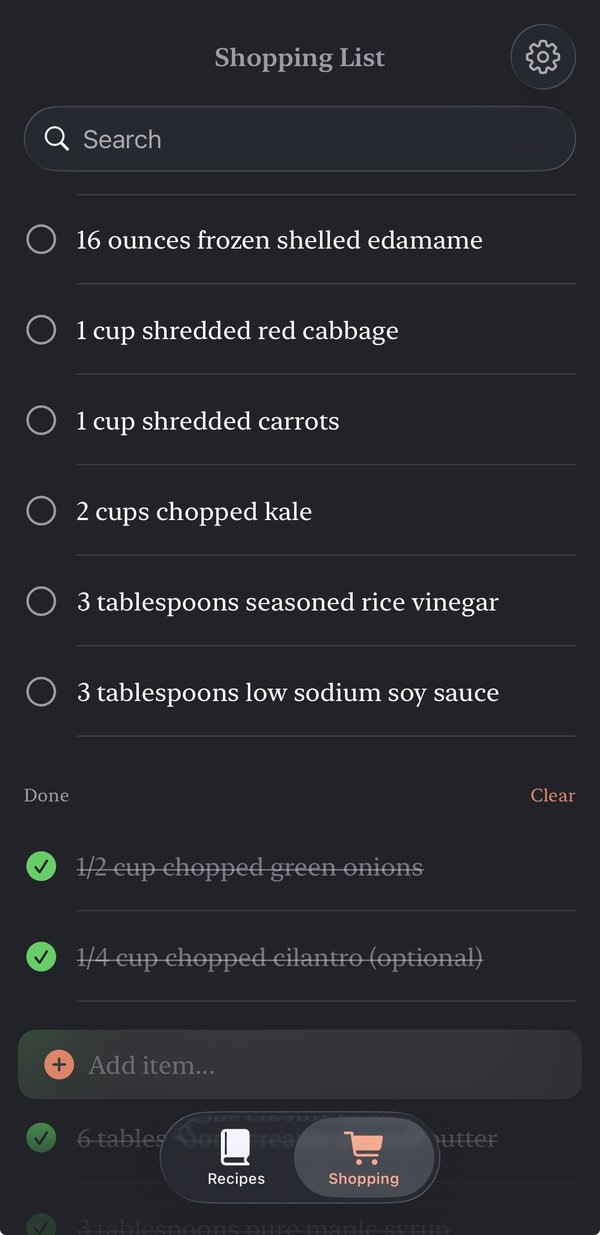
Simmer Down shared shopping list

Shared shopping list

Send ingredients here in one tap. Check things off as you shop.

Features

Everything that ships in v1.

🔒

Privacy

Anonymous by design. No name, email, ads, or tracking. Family data stays inside your family.

Privacy policy
💬

Support & FAQ

Importing a recipe, setting up family sync, or fixing a snag? The FAQ has answers.

Support & FAQ